Free native Markdown editor for Mac
One file, one window,
and a page worth looking at.
Open the .md files you already have. Lede keeps the punctuation quiet while you write, then renders the same file when you read. No account, no library and never a subscription.
Native
Written for the Mac in AppKit. 14.3 MB, with no browser runtime.
Free
No subscription, no upgrade, nothing to buy. Ever.
Your files
Edits the .md you opened, where you keep it. No library.
Private
No account, no telemetry. Nothing you write leaves your Mac.
Write the Markdown. Read the document.
Write keeps the markers out of the way without moving the words under your cursor. Read turns tables, callouts, diagrams and maths into the finished page. Try both views and all four page colours below. The measure and scroll position stay put.
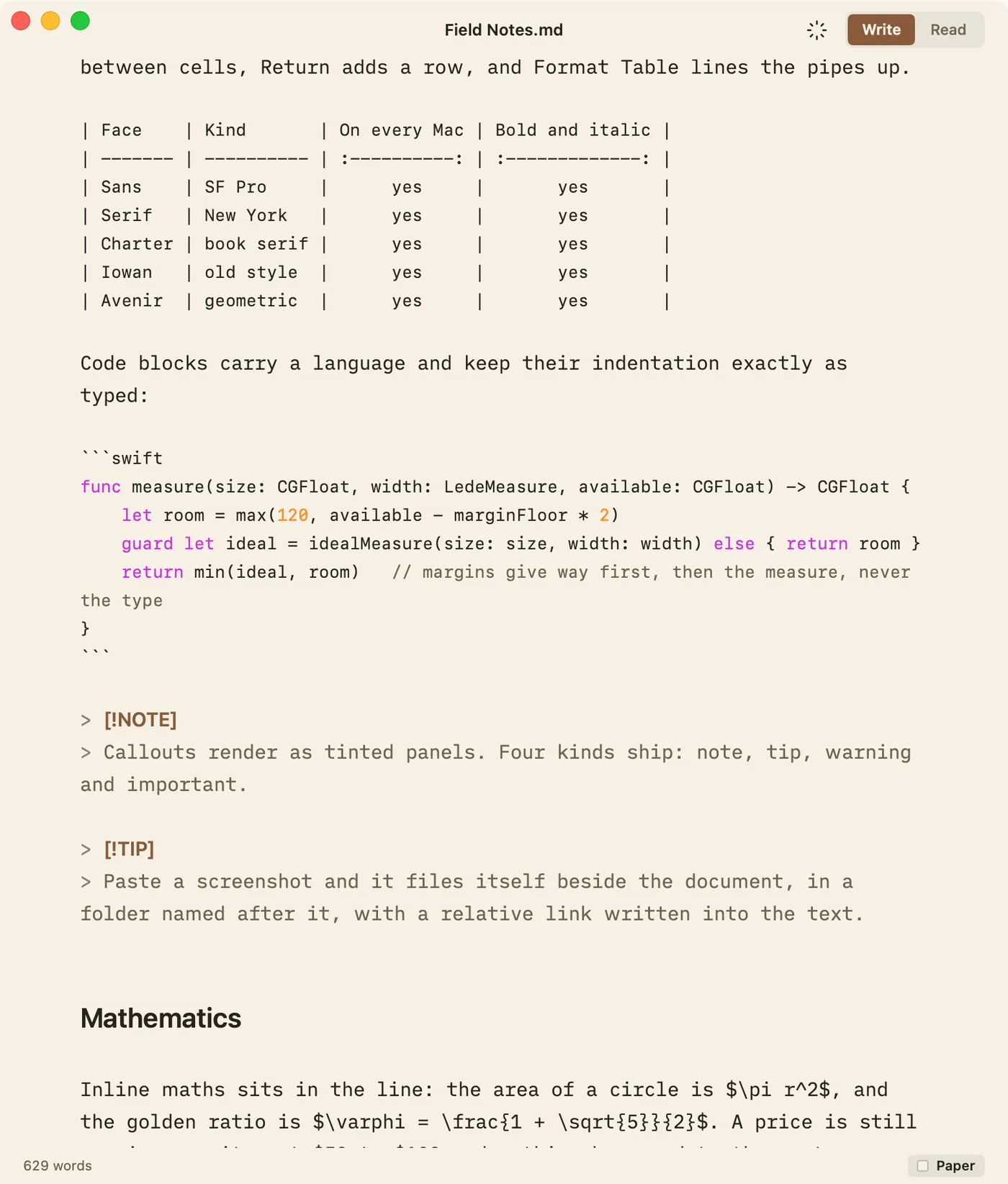
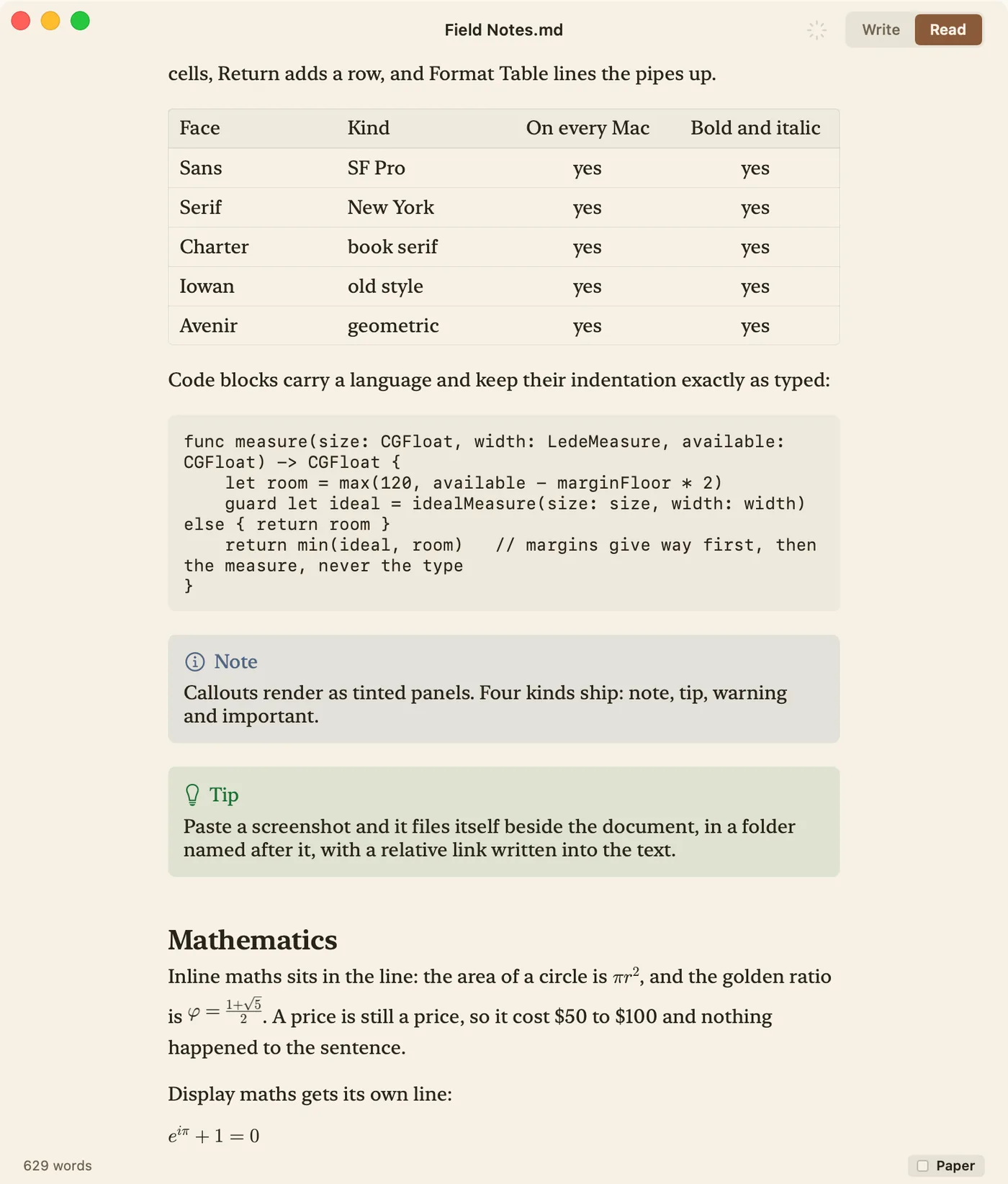
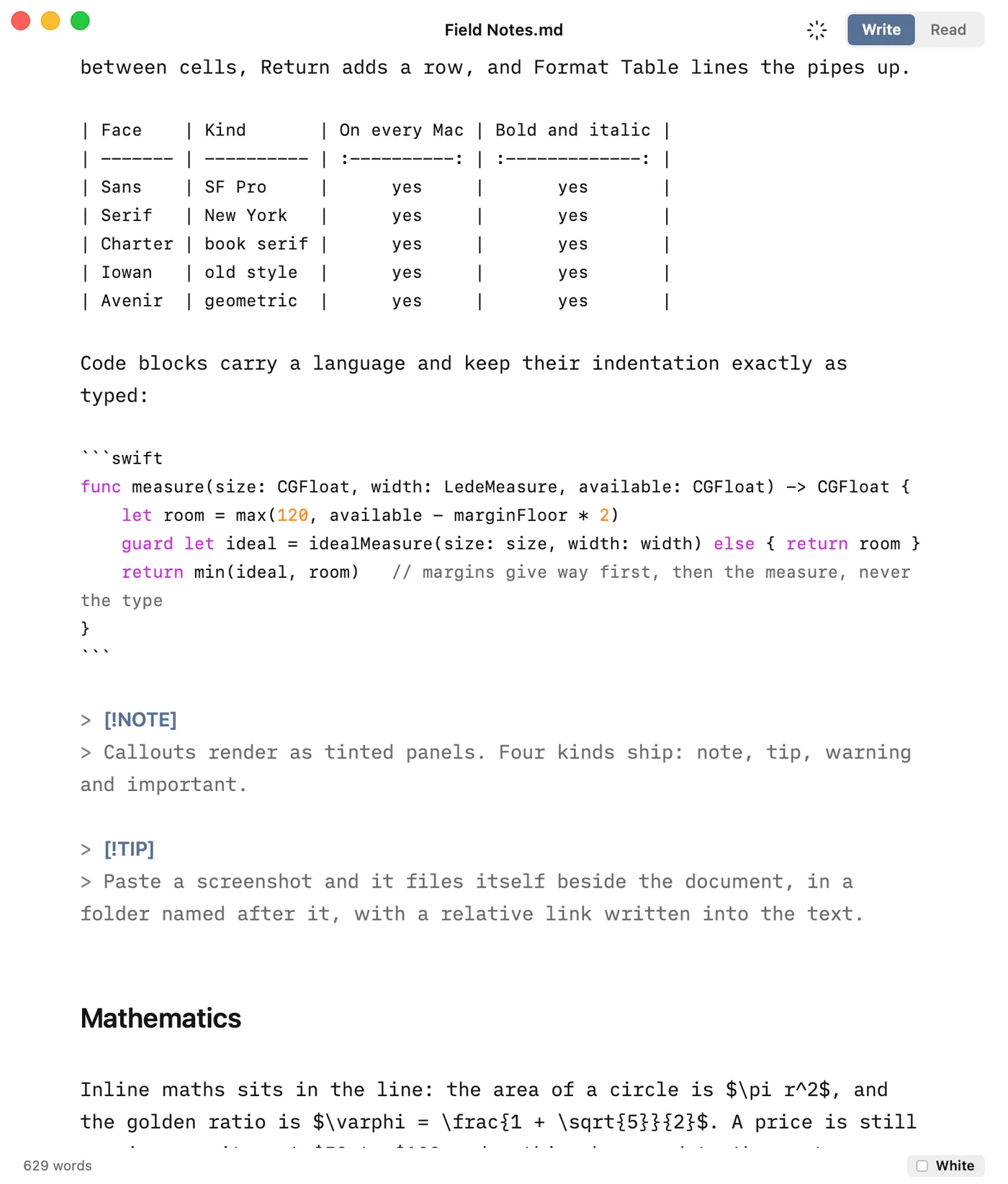
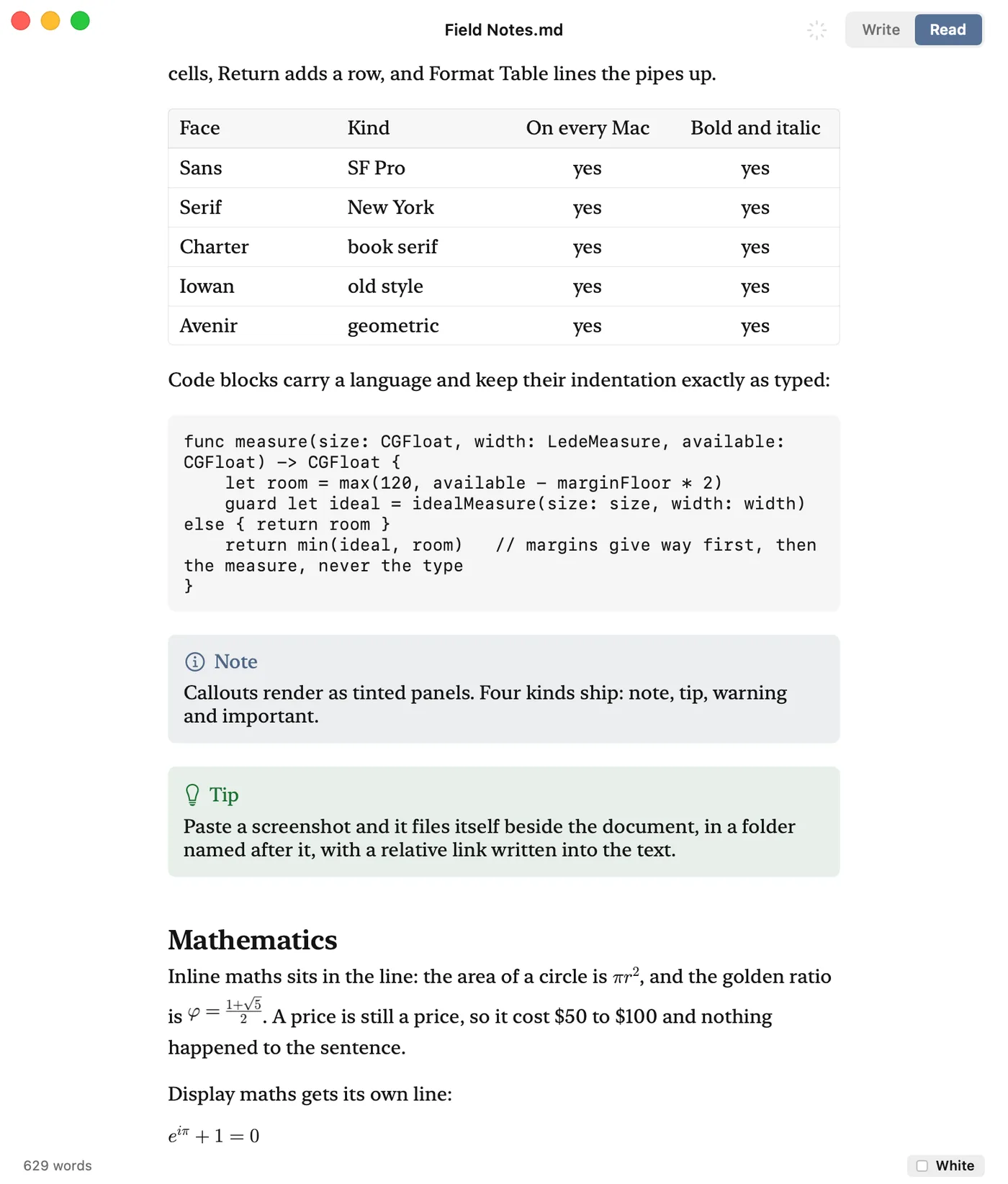
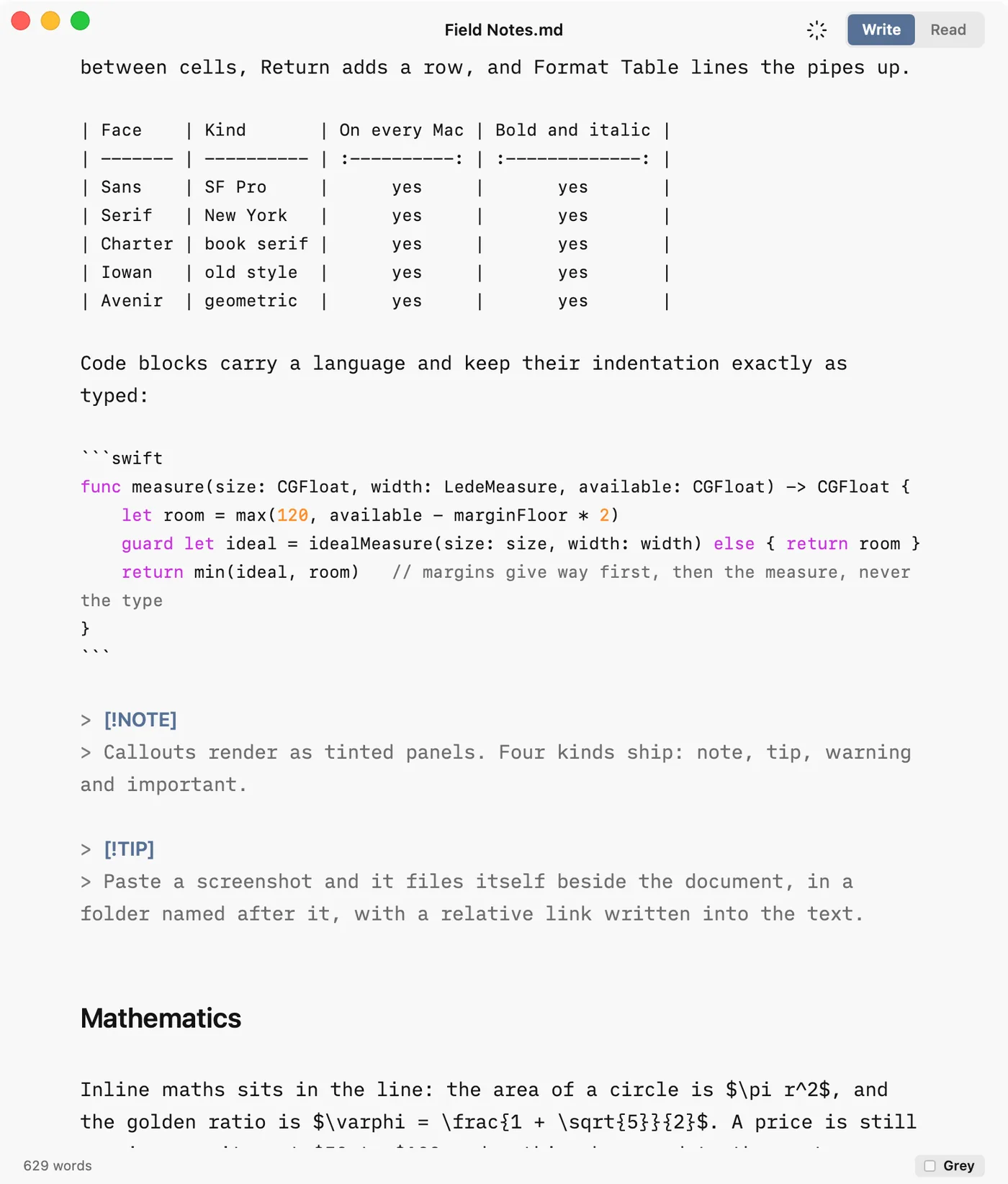
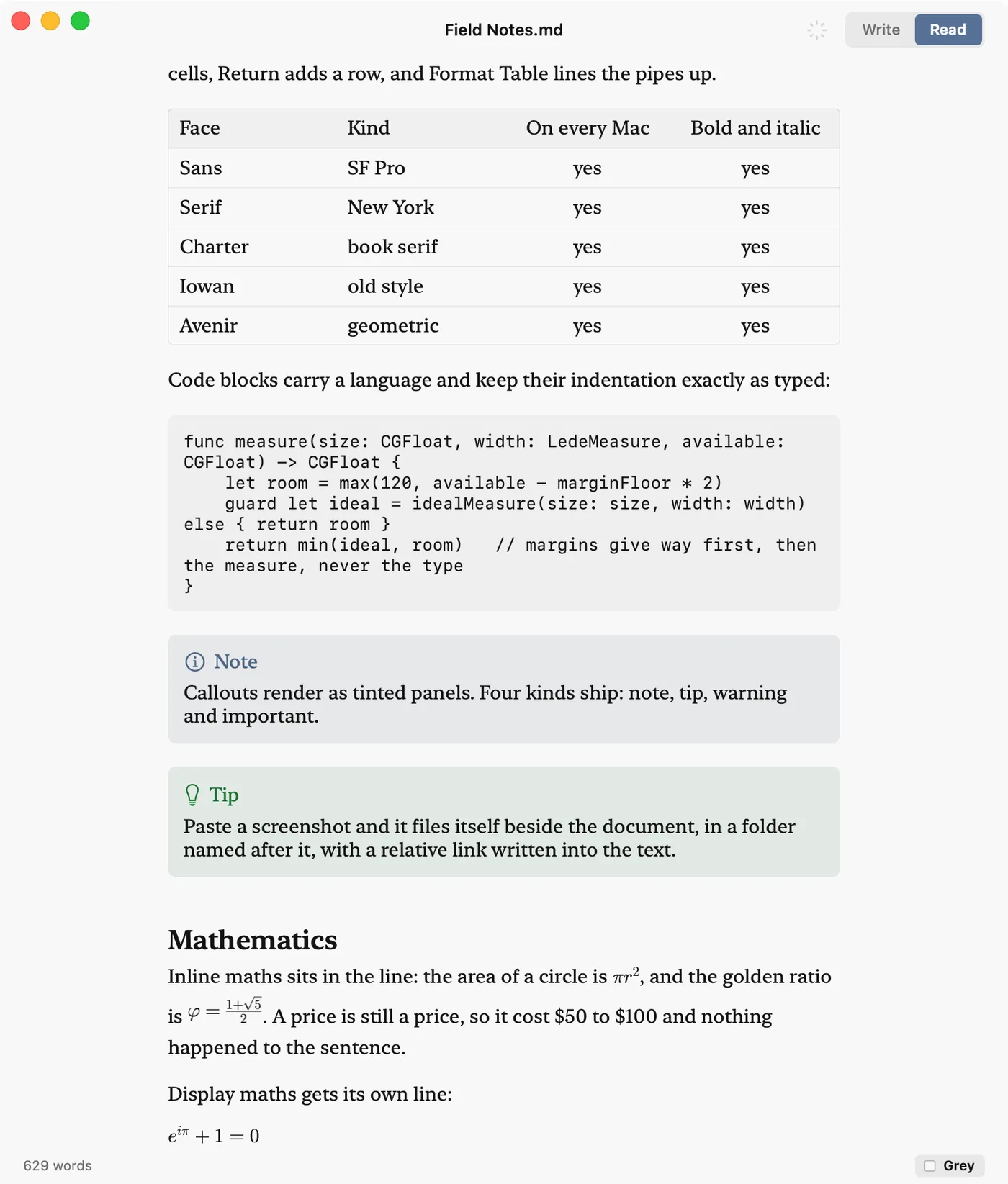
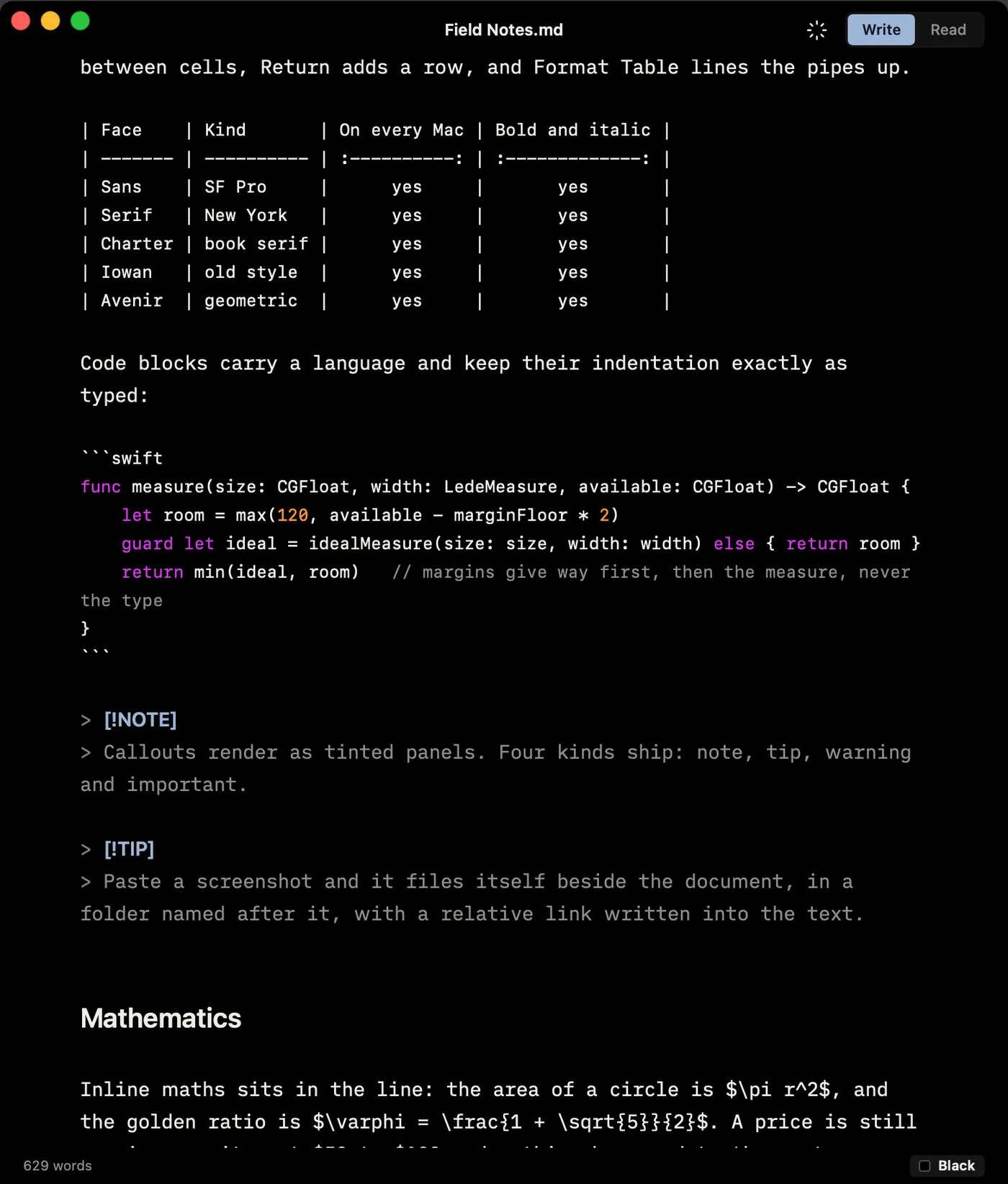
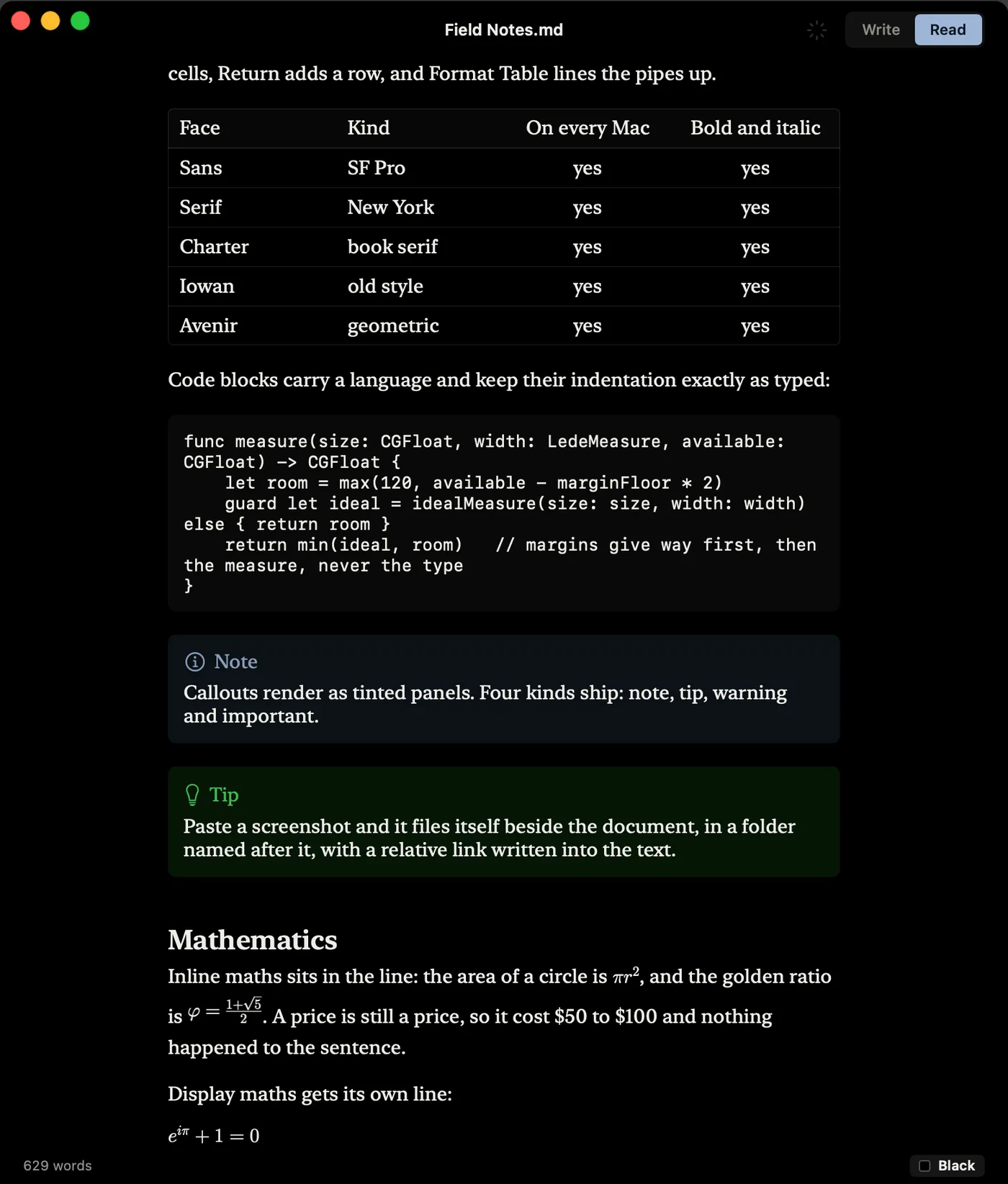
The same document, the same window, the same scroll position in all eight. Switch views: nothing moves.
Everything a draft needs. Nothing to manage.
Stay with the sentence
Focus lights what you are writing. Typewriter mode glides the page under a still line, so the sentence stays where your eyes expect it.
Give the draft structure
Find and Replace, six heading levels, pictures, maths and tables are ready when you need them. Paste cells from Numbers or Excel, then move rows and columns in place.
Send the finished document
Read draws the tables, callouts, Mermaid diagrams and LaTeX maths. The same rendering goes to PDF, standalone HTML, print and rich text on the clipboard.
Writing help
A second look at the prose, under your control
Choose what Lede should notice: filler, redundancy, clichés, complex words, long sentences, possible passive voice, adverbs, repeated words or patterns of your own.
The editor marks a phrase and explains why when you point to it. Plainer-word suggestions appear where Lede has one, and Ignore Here or Always Ignore keeps your voice in charge. Every check runs on your Mac. Nothing is sent away or written into the Markdown.
It keeps up with a file that is still being written
Open a log, report, plan or README while another app or an AI tool is writing it. Lede reloads each save, and follows the file when you are already at the end. If you have edits of your own, it asks before replacing them.
Mermaid diagrams are drawn in Read and Quick Look. Copy as Rich Text moves the finished result into Mail or Docs without taking the Markdown syntax with it.
Your file stays a file
Lede edits the Markdown where you keep it. There is no import, database or private library. A file opened and saved without an edit comes back byte for byte unchanged.
647 / 650
CommonMark examples
666 / 672
GitHub Markdown examples
0
Accounts or telemetry
Measured against the specifications’ own test suites and Lede’s round-trip file tests.
One file is the point
Lede opens one document in one window. For a folder of linked notes with search and backlinks, use Skein, which is free and contains the same editor. For page layout and a Word file at the end, use Verso. The full feature page explains where Lede stops and why.
Free · v1.0.12 · macOS 14 or later
v1.0.13 · 14.3 MB · Apple silicon and Intel
The disk image is 1.0.13 and the store is serving 1.0.12. Apple reviews every release; the store catches up within a few days.
Last updated 10 October 2026 · 12 releases since launch · What’s new
Signed and notarised by Apple. Made by the people who make Skein. One developer, who answers email.